
Search fast
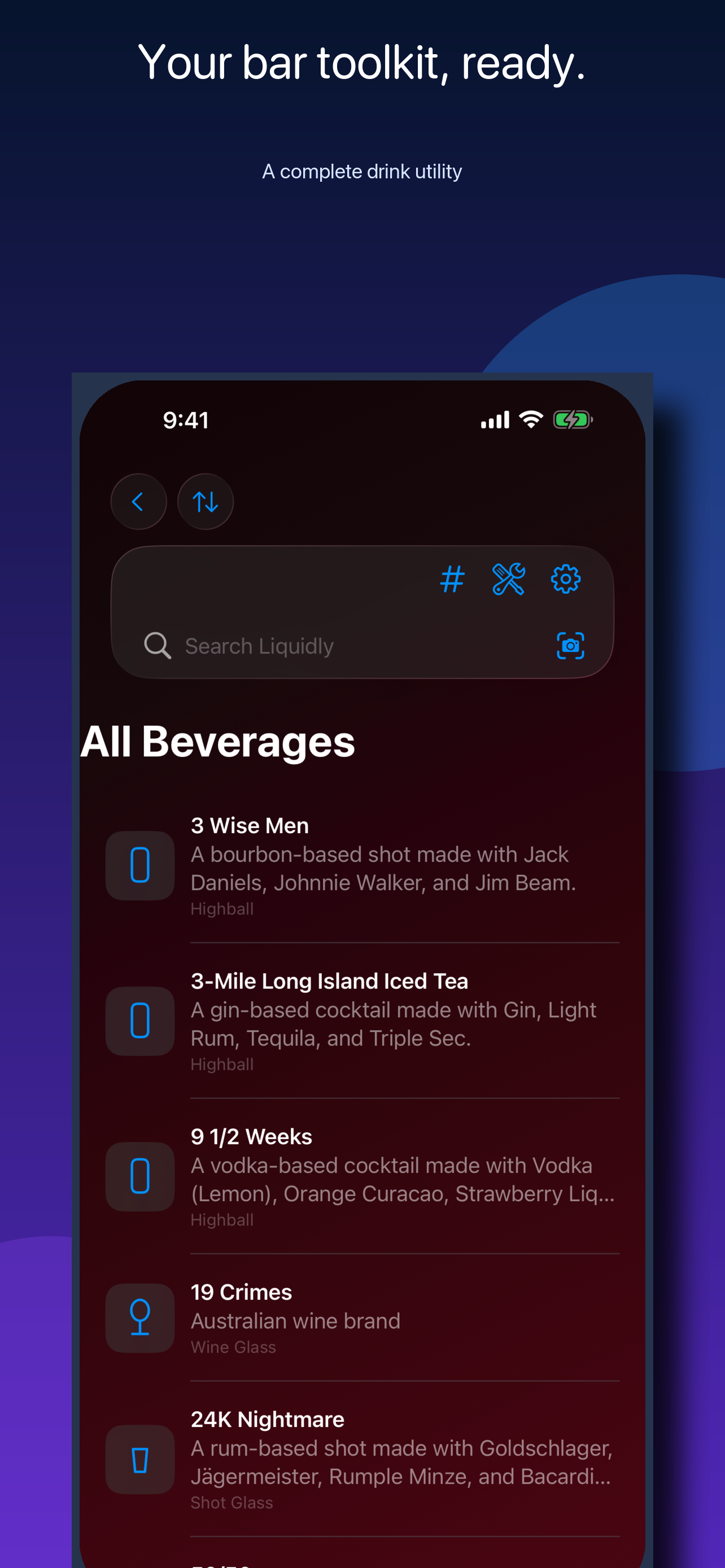
Find cocktails, spirits, beer, wine, nonalcoholic drinks, ingredients, glassware, brands, venues, tags, and notes.
 Liquidly
Drinks, recipes & bar tools
Liquidly brings an expansive drink reference, fast search, personal collections, visual identification, and practical bar tools together. Choose the Apple edition, Android edition, or early Windows preview.
Available for Apple devices, Android, and Windows preview.
Now on the App Store
More drinks, image sharing, and updates to layouts and the Private Locker.
See Liquidly in action
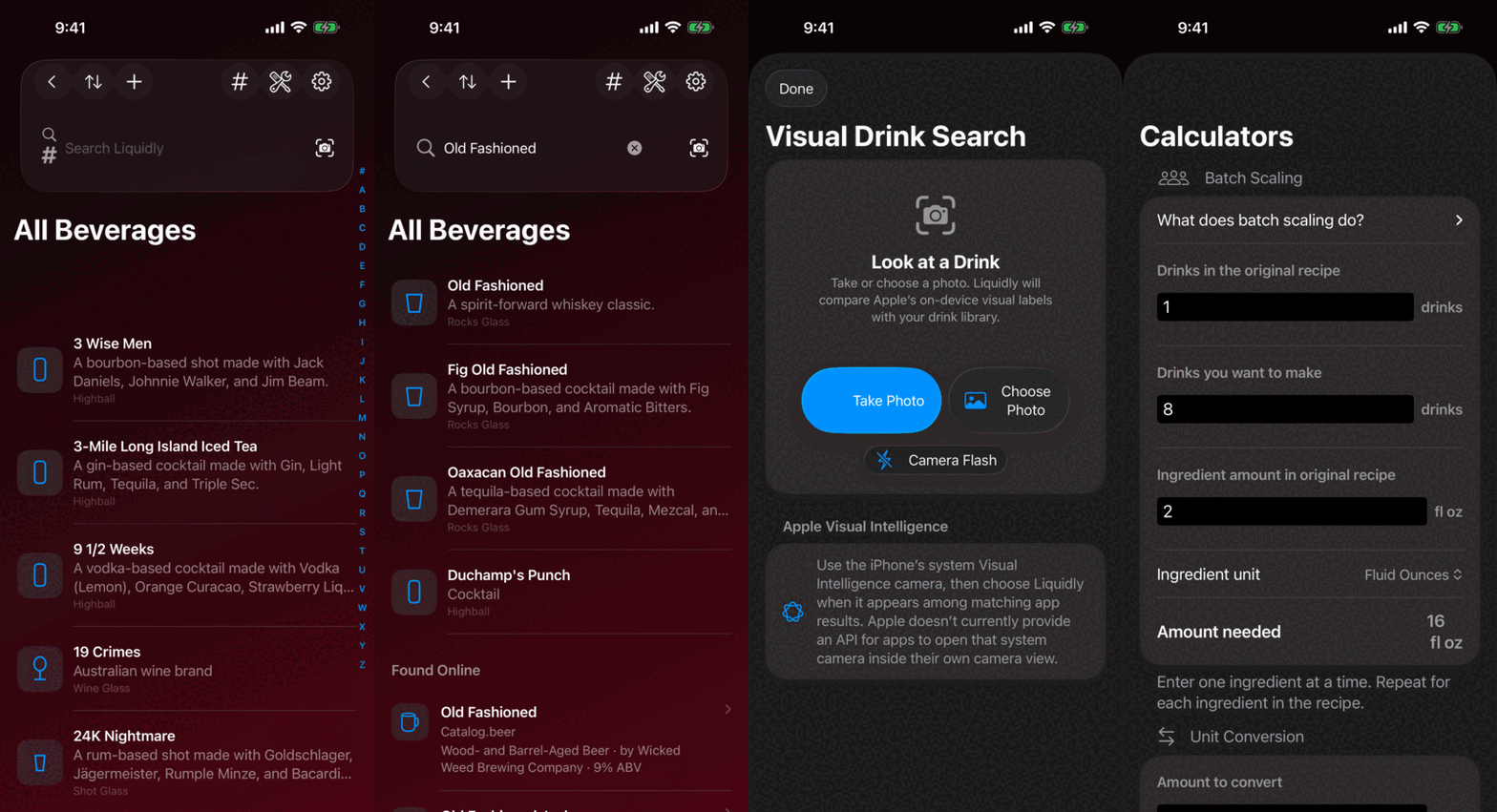
Browse and search the drink library, then move into focused tools built for quick use.
Quick preview
See the current drink library, focused search, visual lookup, and practical bartender tools in one lightweight loop.
For managed teams
Liquidly can use an MDM-delivered, integrity-checked catalog to show staff only the drinks your organization approves.
Help grow the library
Share its ingredients, instructions, tags, source, and an optional photo for review.
Built for quick reference
Find cocktails, spirits, beer, wine, nonalcoholic drinks, ingredients, glassware, brands, venues, tags, and notes.
Add recipes, photos, notes, collections, inventory, and venues. Left- and right-handed layouts keep frequent controls within reach.
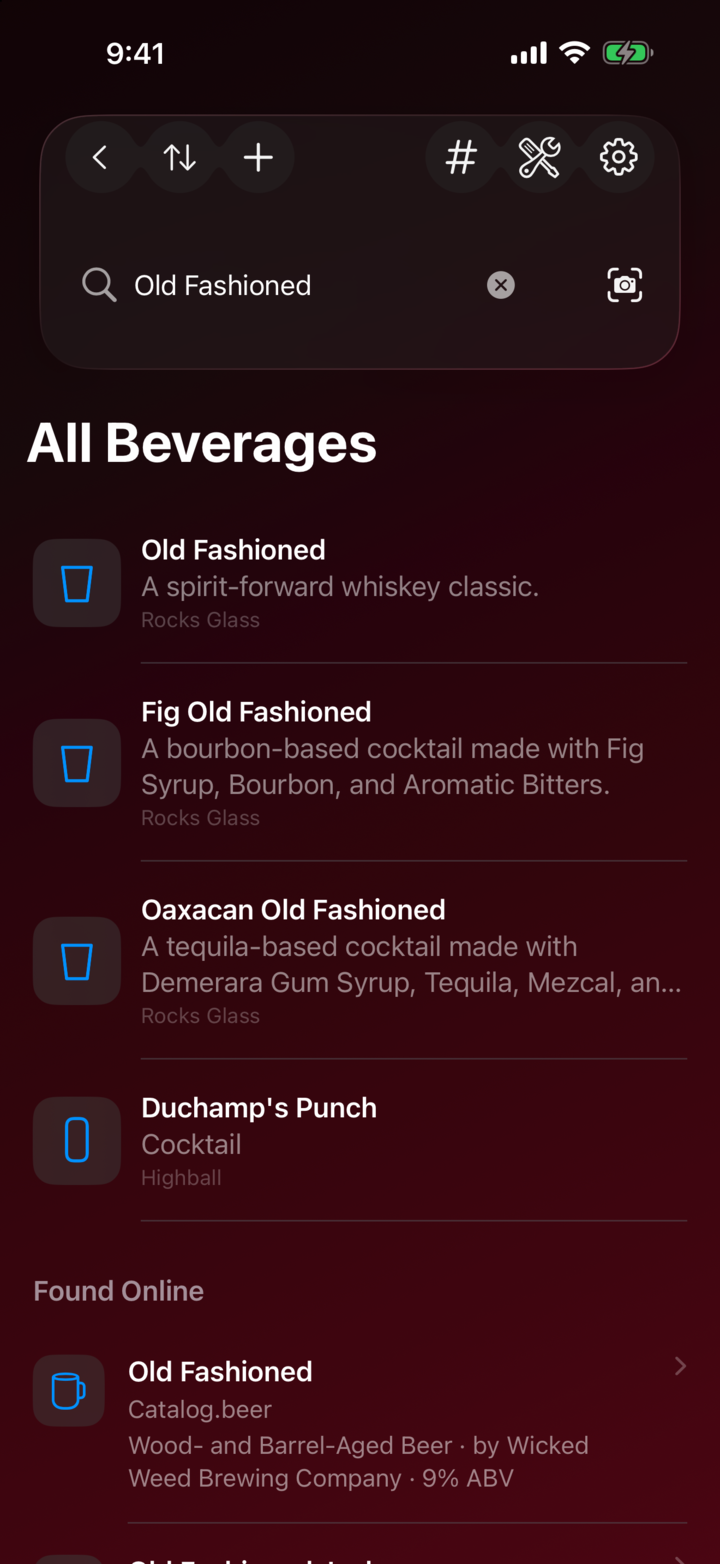
Use on-device visual matching and text recognition with a camera or photo, plus Spotlight, Siri, and Shortcuts integrations.
The core reference and personal library stay useful without an internet connection. Online sources and iCloud sync remain optional.
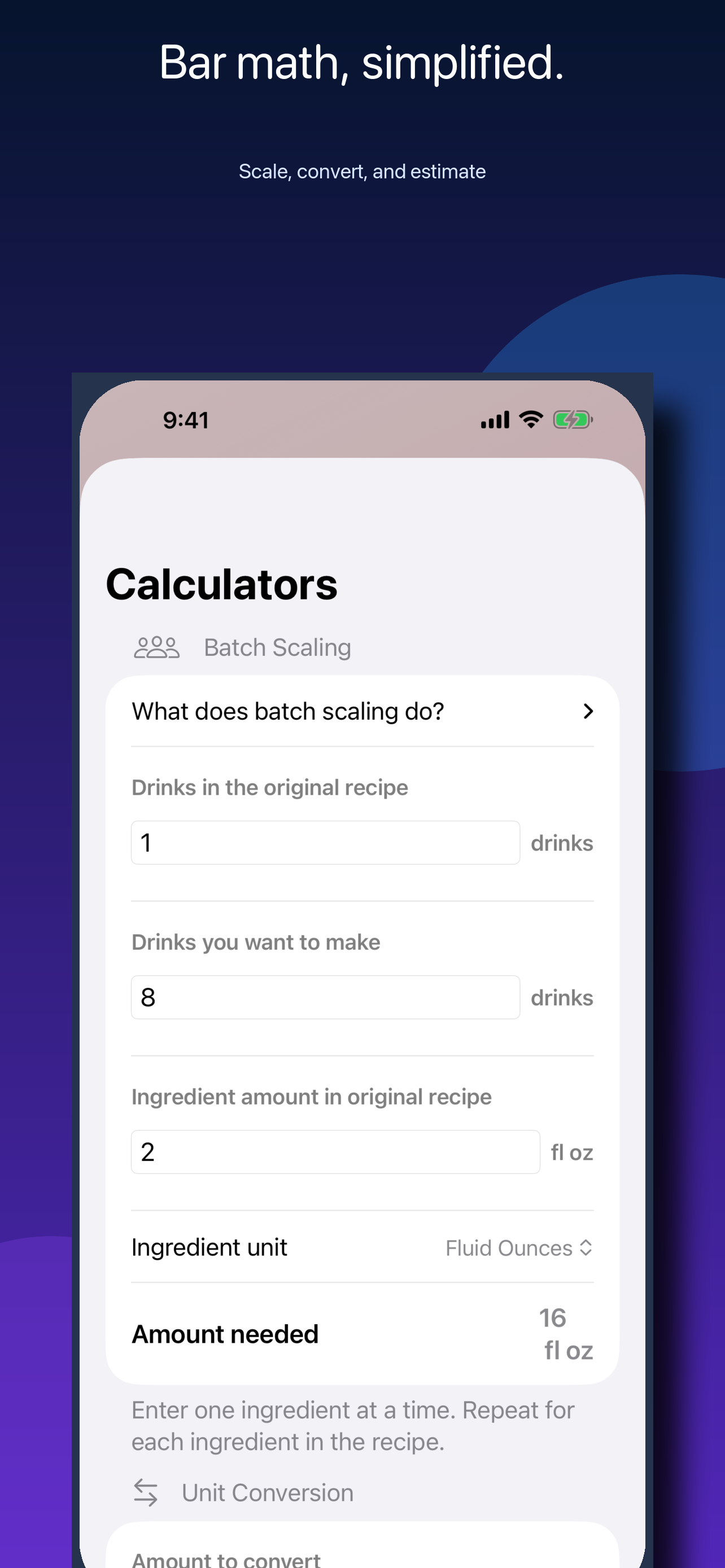
Keep tally, timer, calculator, inventory, learning, and menu-reference tools close at hand during a shift or at home.
No advertising SDKs, third-party analytics, or cross-app tracking. Your personal library stays on your devices and, if enabled, in your iCloud account.
Privacy by design
Liquidly does not sell personal information. Optional online features make direct requests only when you choose to use them.